

- Automated alert systems can reduce compliance violations by up to 30%.
- Automated workflows cut processing time by up to 90% for document-heavy tasks.
- Document management automation reduces manual tasks by ~50% and significantly lowers error rates.
- Intelligent document management systems have saved over 60 work-hours/week in real-world cases.
- Use of automated compliance tools correlates with up to 30% reduction in compliance-related costs and up to 60% fewer compliance-related fines.
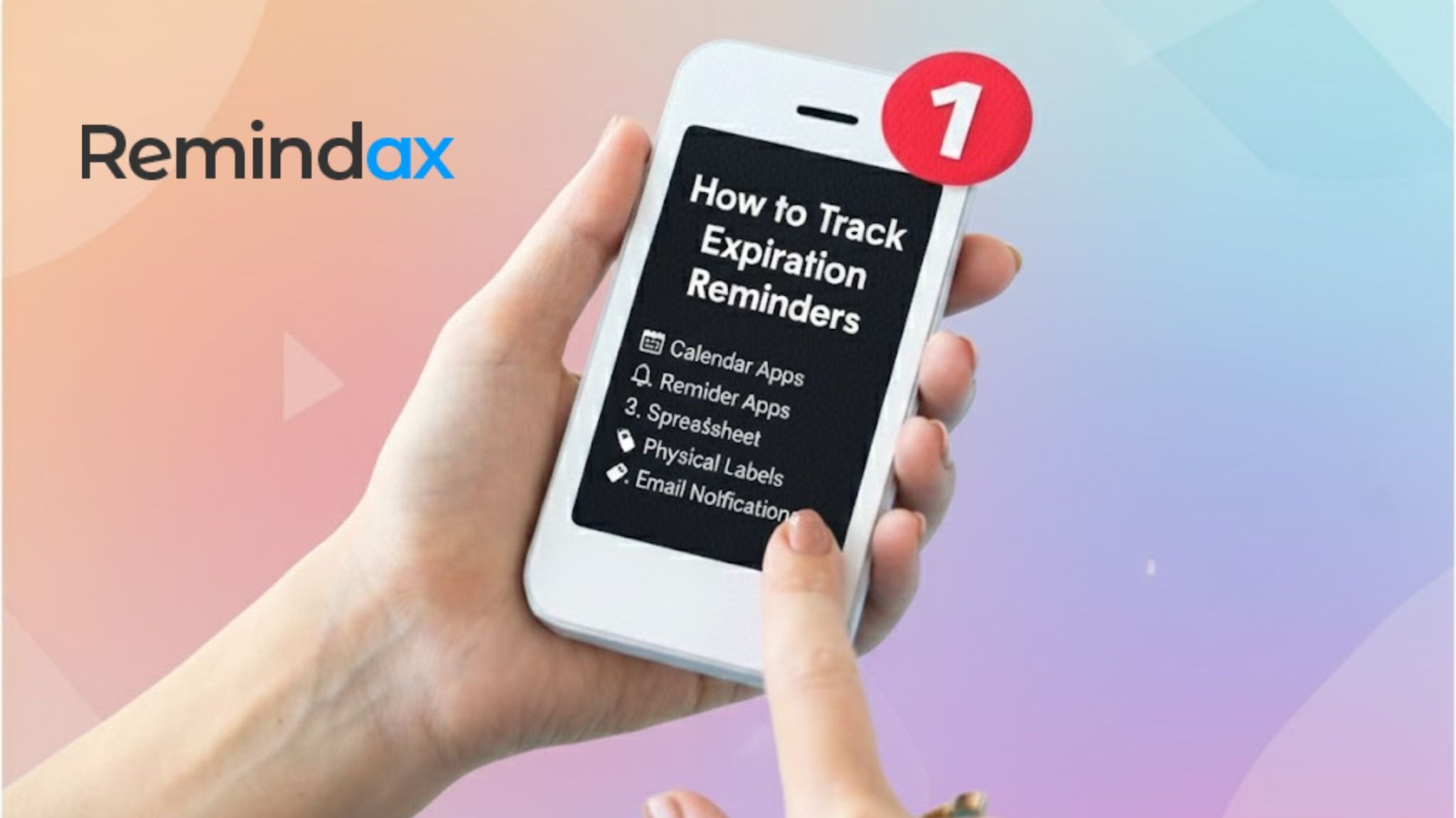
Every business deals with documents, licenses, contracts, warranties, and certifications that have expiration dates. Missing these deadlines can lead to penalties, lost opportunities, compliance issues, and unnecessary financial losses. That’s why having a reliable expiration reminder system is essential for smooth operations.
Tracking expiration reminders is not just about remembering dates-it’s about protecting your business from avoidable risks. Whether you manage a small team or a large organization, the right system ensures you never overlook an important renewal again.
Why Expiration Reminders Matter
Expiration reminders help businesses stay compliant, avoid fines, and maintain uninterrupted operations. Without a proper tracking system:
- Insurance policies may lapse.
- Licenses or permits might expire unexpectedly.
- Contracts can renew automatically without review.
- Warranties may go unused before they end.
A timely reminder ensures your team acts well before any deadline.
Common Problems Businesses Face Without a Proper System
Businesses that rely on guesswork or memory often face:
- Missed renewal dates
- Compliance penalties
- Operational interruptions
- Loss of warranty claims
- Unorganized paperwork and chaos
- Last-minute rush and stress
These problems arise because important dates are scattered across emails, spreadsheets, or individual notes.
Identify All Items That Need Expiration Tracking
Start by creating a complete list of everything in your organization that has an expiration date. This may include:
- Licenses (business, professional, operational)
- Certifications (employee, industry, safety)
- Permits (building, equipment, environmental)
- Contracts (service agreements, vendor contracts)
- Warranties (equipment, electronics, vehicles)
- Documents (legal papers, compliance documents)
Once you identify these items, the next step is to centralize all data in one place.
Centralize All Items in One Place
Storing information across multiple platforms makes tracking difficult. Consolidating everything in a single system allows your team to:
- View upcoming expirations at a glance
- Share access across departments
- Manage updates in real time
- Reduce the risk of lost or outdated information
Centralization is the foundation of a reliable reminder system.
Choose the Right Expiration Tracking Method
There are two main methods: manual tracking and automated tracking.
1. Manual Tracking (Spreadsheets)
Some businesses use spreadsheets to record expiration dates. While simple, this method has major drawbacks:
- Human error is common
- No automatic reminders
- Data can easily become outdated
- Hard to manage for large teams
- No built-in security or access control
Manual tracking may work for a few items, but it becomes unreliable as the business grows.
2. Automated Systems
Automated tools are now the preferred choice for organizations that want efficiency and accuracy. A platform like Remindax eliminates the need for manual updates and ensures you get reminders at the right time.
Problems With Manual Tracking
- No notifications
- Duplicate data entries
- Lack of accountability
- Risk of missing critical renewals
- Time-consuming updates
Benefits of Using Automated Tools Like Remindax
- Automatic multi-level reminders
- Secure cloud storage
- Team access with permissions
- Easy uploads and data management
- Real-time dashboards and reports
- Zero chance of missing a deadline
Automation saves time and keeps your business compliant.
Set Up Automated Reminder Schedules
An effective tracking system sends reminders well before a deadline.
Multi-Level Reminders
Set reminders at:
- 30 days before
- 15 days before
- 7 days before
- 1 day before
This gives your team enough time to review, renew, or take necessary action.
Role-Based Notifications
Assign reminders to the right people:
- Department managers
- Compliance teams
- Administrators
- External partners
When different people get notified, the chances of missing a deadline drop significantly.
Ensure Redundancy to Avoid Missed Alerts
Always set at least two layers of notifications. Even if someone misses an email or message, the backup reminder ensures the task is not forgotten.
Use Cloud-Based Expiration Reminder Software
Cloud-based platforms offer long-term scalability and security.
Features You Need
A good system should include:
- Visual dashboard
- Reports and analytics
- Bulk uploads for large datasets
- Role-based team access
- Auto-renewal tracking
- Document attachments
Why Cloud Systems Are More Secure and Scalable
Cloud-based solutions provide:
- Data backup and recovery
- Secure access from any device
- Automatic updates
- Scalability as your business grows
How Remindax Helps Automate and Manage Reminders Easily
Remindax allows businesses to:
- Upload and organize all expiration-based items
- Set automatic multi-stage reminders
- Assign tasks to team members
- View upcoming deadlines through one clean dashboard
It simplifies the entire process, making expiration tracking stress-free.
Assign Responsibility and Access
A tracking system works best when responsibilities are clear.
- Define who is responsible for updating documents
- Give team members permissions based on their role
- Ensure only authorized users can edit or delete data
- Keep a clear audit trail of changes
Shared responsibility ensures nothing is overlooked.
Regularly Review and Update Expiration Data
Consistency is key.
Monthly Audits
Conduct monthly checks to verify:
- Expiring items
- Renewals completed
- Required updates
- Outdated documents
Archive Old Items
Keep your system clean by archiving expired or old documents.
Maintain Accuracy
Always keep dates, documents, and notes updated. Accurate data prevents last-minute surprises.
Take Control of Your Deadlines-Start Using Remindax Today!
Expiration tracking is essential for compliance, financial safety, and smooth business operations. Manual tracking is risky and time-consuming, but automated systems make it simple.
Using tools like Remindax helps businesses stay organized, avoid costly mistakes, and ensure no deadline is ever missed. With automation, cloud features, and smart reminders, expiration tracking becomes reliable, efficient, and stress-free.
Let your business focus on growth-while your reminder system handles the deadlines.
Frequently Asked Question
1. What Are Expiration Reminders?
Expiration reminders are alerts that tell you before something expires.
This can include:
- Contracts
- SSL certificates
- Licenses
- Insurance policies
- Subscriptions
- Domain names
2. Why Is Tracking Expiration Dates Important?
Tracking expiration dates is important because:
- You avoid service interruptions
- You prevent legal penalties
- You reduce security risks
- You stay compliant
- You protect your business reputation
3. How Can I Track Expiration Reminders Manually?
You can track expiration dates manually by:
- Using Excel or Google Sheets
- Writing dates in a calendar
- Setting phone reminders
- Keeping physical files with expiry labels
4. What Is The Best Way To Track Expiration Reminders Automatically?
The best way is to use reminder or tracking software.
Good software can:
- Store all expiration dates in one place
- Send email or SMS alerts
- Send multiple reminders before expiry
- Allow team access
- Create reports
5. What Types Of Expirations Should Businesses Track?
Businesses should track:
- Employee certifications
- Vendor contracts
- Compliance documents
- Warranty periods
- Software licenses
- SSL and domain renewals
6. How Early Should I Set Expiration Reminders?
It depends on the item. A good practice is:
- 90 days before expiry
- 60 days before expiry
- 30 days before expiry
- 7 days before expiry
7. Can Expiration Tracking Software Reduce Business Risk?
Yes, it can.
Expiration tracking software helps you:
- Avoid penalties
- Prevent service downtime
- Improve compliance
- Stay organized
- Save money









